Guide
Akai disk images explained: .img vs .hda vs .hfe vs .iso
Updated 2026-08-20
Four extensions, four kinds of hardware
Vintage Akai samplers used floppies, SCSI hard drives and CD-ROMs. Modern emulator hardware reads image files that stand in for each. The extension tells you which hardware the image is for — not just a container preference.
.img — floppy images for Gotek/FlashFloppy
A raw sector dump of one Akai floppy (800 KB DD or 1.6 MB HD). A Gotek drive running FlashFloppy reads a USB stick full of these and presents each as an inserted disk. This works on every floppy-equipped Akai: S900, S950, S1000, S1100, S2000, S3000.
The S900/S950 use a different low-level format from the S1000-and-later machines, so images are not interchangeable between those generations — your converter has to write for the model you own. S-Convert targets each model natively.
.hfe — floppy images for HxC firmware
HFE is the HxC floppy emulator's own format: the same floppy content, wrapped with low-level track data. If your Gotek runs HxC firmware rather than FlashFloppy, use HFE. S-Convert can emit HFE as an opt-in setting; FlashFloppy users should stick with plain .img.
.hda — SCSI hard drive images for ZuluSCSI/BlueSCSI/PiSCSI
An .hda file is an entire emulated SCSI hard drive. ZuluSCSI and BlueSCSI boards read them from SD cards; PiSCSI serves them from a Raspberry Pi. This is how you attach hundreds of megabytes to an S1000–S3000-era sampler.
Akai partitions its drives into fixed-size partitions holding up to about 60 MB with volumes inside; a good tool builds multi-partition, multi-volume images that respect those limits. Filename matters on some setups: BlueSCSI-style naming encodes the SCSI ID (HD5.hda for ID 5).
.iso — CD-ROM images
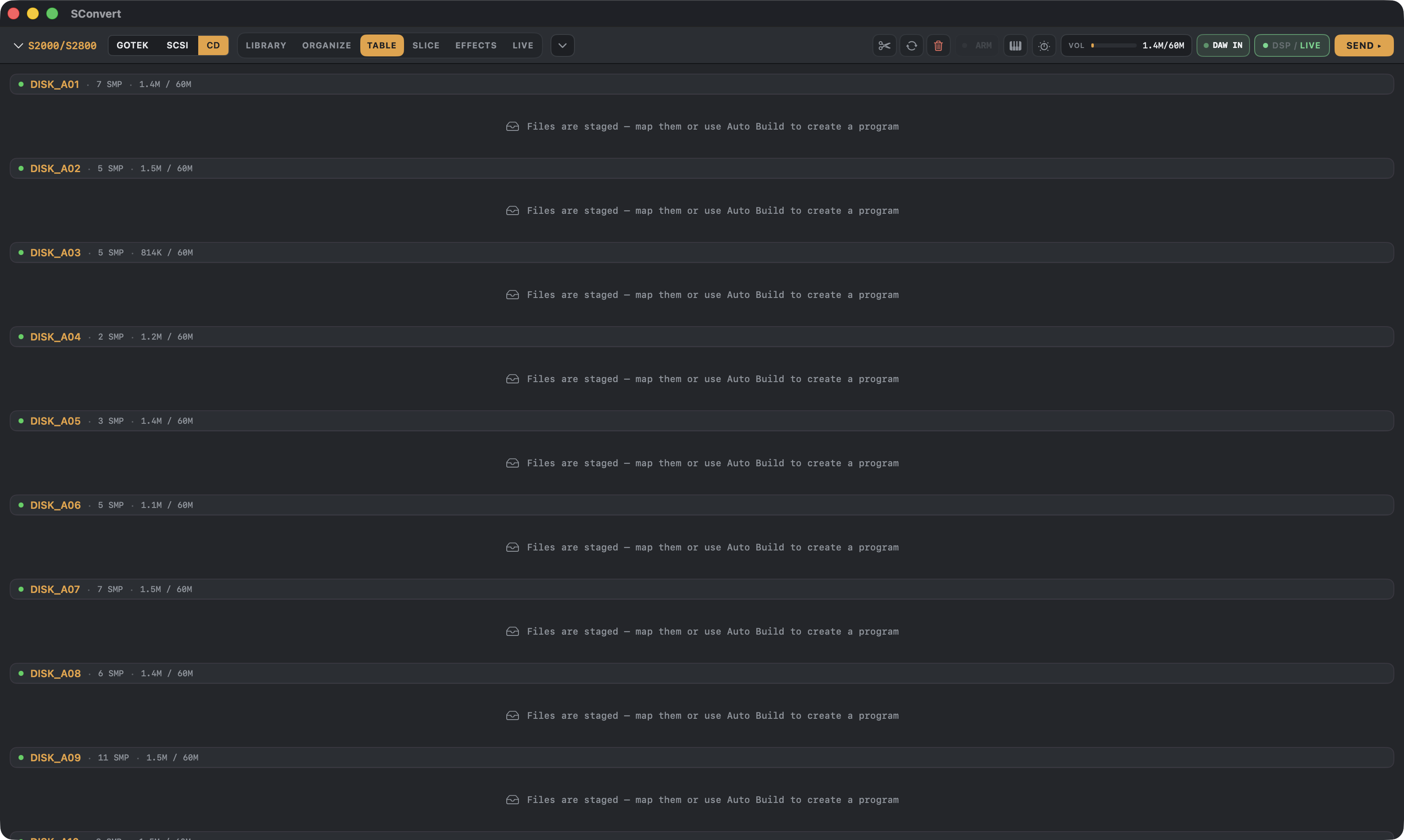
SCSI-era Akais with CD-ROM support (S2000/S3000 family) can load from CD. An .iso is the CD's data track; SCSI emulators can mount it as an emulated CD-ROM drive. Writing .iso images from S-Convert is a work in progress; reading works today — S-Convert images an inserted Akai sample CD from the 90s so you can pull its samples into your library.
Rule of thumb
Drum kits and single instruments → floppy images. Whole libraries and multisamples → .hda on a SCSI emulator. Reading vintage sample CDs → .iso. S-Convert writes the right container per model and warns you when a target doesn't support a medium.
A word on which to buy: the Gotek was the go-to a few years back and it's still awesome — cheap, dead simple, and the only option on floppy-only machines like a stock S900/S950. But SCSI emulators are so much faster it isn't close: floppies move data at 1980s speed and top out around 1.6 MB per disk, while a ZuluSCSI or BlueSCSI loads whole volumes in seconds and holds your entire library on one SD card. If your sampler has a SCSI port, that's the direction we suggest — more space, faster loads, faster writes.
S-CONVERT
S-Convert does everything in this guide from one app — import, build, map, and write sampler-ready media.