Guide
Chopping breaks and beats for Akai samplers
Updated 2026-08-21
Chopping without leaving the Mac
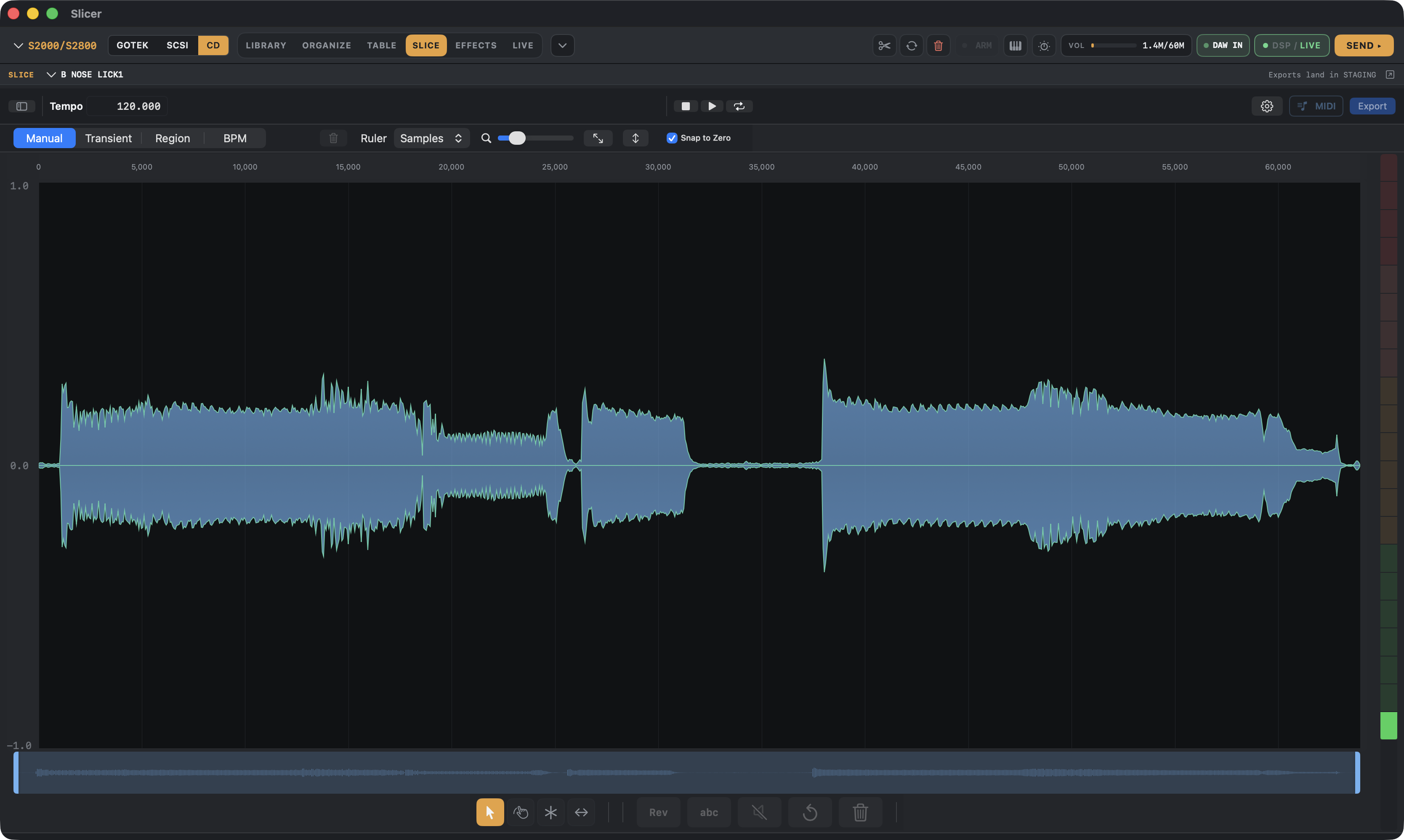
The classic workflow — sample a break, chop it, map the chops to pads or keys — used to mean bouncing between a sampler's own clunky chop tool and a DAW. S-Convert's built-in slicer does the chopping on the Mac and hands the result straight to an Akai program build, so the whole thing happens in one place.
Four ways to slice
Transient detection finds hits automatically — the fast path for a drum break. Region slicing splits by fixed time or bar divisions when you want even chops regardless of what's actually playing. Grid slicing snaps to a defined subdivision, useful for loops that are already in time. And manual slicing with zero-crossing snap is there for when the automatic modes get a hit wrong or you want a chop nobody's algorithm would pick — snapping to the nearest zero crossing keeps the edit click-free.
Audition before you commit
Every slice is auditionable in place before anything gets built, so you can catch a bad chop point and re-slice instead of finding out after the program's already written to a disk image.
From slices to a playable program
Once you're happy with the chops, they go straight into the same build flow as any other sample group — mapped across pads or keys, packed into an Akai volume, and written to disk media, or exported to SFZ/DecentSampler/MPC XPM if the destination isn't a hardware Akai at all.
S-CONVERT
S-Convert does everything in this guide from one app — import, build, map, and write sampler-ready media.