Guide
Converting Logic EXS24 instruments to SFZ or DecentSampler
Updated 2026-08-21
Why bother converting EXS24 at all
EXS24 only ever worked in one place: Logic Pro. Apple has been steering users toward its newer Sampler instrument for a while now, and even setting that aside, an EXS24 library is dead weight the moment you want to use it in Ableton, Bitwig, a hardware sampler, or just on a machine without Logic installed.
SFZ and DecentSampler are the two formats that actually solve this: both are free, both are open (SFZ is a text-based spec anyone can read; DecentSampler is XML plus samples), and both are supported by a wide range of players outside their format's namesake. Converting once means you stop being locked to Logic for that library.
What actually carries over
S-Convert reads EXS24's own keygroup structure — key ranges, root notes, velocity layers, loop points — and rebuilds it in the target format rather than flattening everything to single unmapped samples. That structure is the entire point of converting rather than just re-exporting audio: a pile of WAVs with no mapping is not a usable instrument.
Doing the conversion
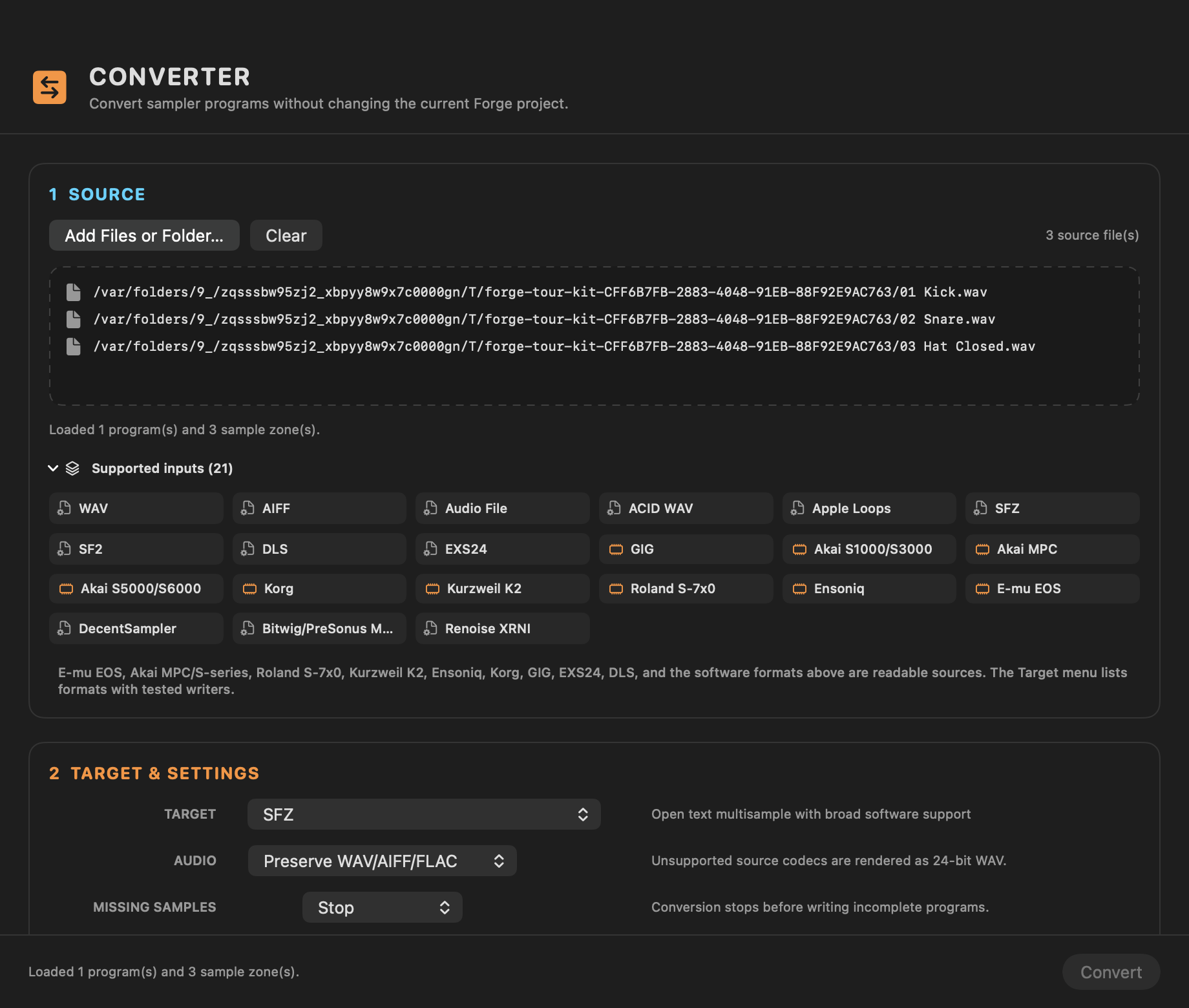
Bring the .exs file and its sample folder into S-Convert, let it resolve the referenced samples (EXS24 projects reference audio by relative path, and missing-sample resolution is the most common snag with any EXS24 tool), then pick SFZ or DecentSampler as the export target. DecentSampler is the better choice if you want a self-contained, GUI-driven player people can drop straight into a project with no extra setup; SFZ is the better choice if you're feeding it into something that already speaks SFZ natively, or you want to hand-edit the result.
After the conversion
Both formats are plain files you can version, share, or archive independently of Logic. And since S-Convert's converter isn't a one-way EXS24 tool, the same imported library can also go to MPC keygroup programs, SoundFont 2, or a native Akai disk build if you want it in more than one place.
S-CONVERT
S-Convert does everything in this guide from one app — import, build, map, and write sampler-ready media.